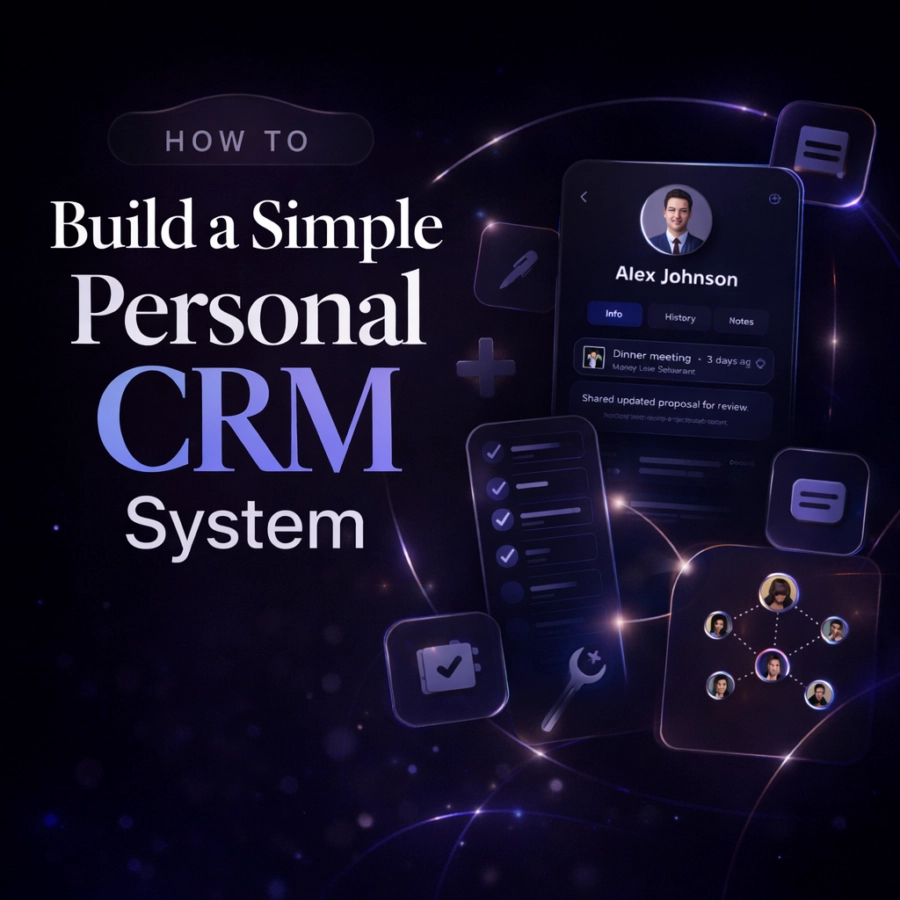
You do not need to be a Fortune 500 salesperson to benefit from a CRM. Whether you are managing professional relationships, staying close with friends and family, or growing your network, a personal CRM system helps you remember what matters most and take intentional action. The good news: building one is simpler than you might think.
In this guide, we will walk you through eight straightforward steps to create your own personal CRM system, plus show you how to avoid common pitfalls that derail most people.
Step 1: Define Your Goals
Before you build anything, clarify why you need a personal CRM system. Are you trying to nurture professional relationships and grow your network? Do you want to be a better friend by remembering important dates and check in more thoughtfully? Or are you juggling both personal and professional connections?
The clearer you are about your goals, the simpler your system will be. For example, if your focus is professional networking, you might prioritize tracking how you met someone and their business interests. If it is personal relationships, you might emphasize birthdays, preferences, and meaningful conversation topics.
Write down 2 to 3 specific outcomes you want from your personal CRM system. This becomes your north star as you build.
Step 2: Choose Your Tool
You have several options, each with trade-offs:
Spreadsheet (Google Sheets, Excel)
Spreadsheets are free, familiar, and customizable. The downside: they are clunky to update on mobile, difficult to search, and feel tedious to maintain.
All-in-One Workspace (Notion, Airtable)
These tools offer more flexibility and are more enjoyable to use than spreadsheets. They handle mobile access reasonably well. However, they require more setup time and can become overwhelming if you are not careful about scope.
Dedicated CRM App
Purpose-built CRM apps, like Dextr , are optimized for contact management, reminders, and relationship tracking. They are faster to set up, smoother on mobile, and require minimal configuration. The trade-off is you are limited to the app's design choices.
For most people, starting simple is smarter than building complex. Choose based on how much customization you actually need and whether you will actually use it on your phone.
Step 3: Decide What Information to Track
Tracking too much information kills momentum. Start with the essentials: name and contact information (email, phone, Instagram), how you met (this context is gold for meaningful follow-ups), relationship type (friend, professional contact, mentor, client, family), key interests or context (what they do, what you have in common, relevant details), tags or categories (for easy filtering and bulk actions), last interaction date (when you last talked, met, or exchanged messages), next follow-up date (when you want to reach out again), and notes (a free-form field for important details or conversation points).
Resist the urge to add more. You can always expand later. A system you actually use with basic info beats a perfect system you abandon.
Step 4: Import and Organize Your Existing Contacts
Export your contacts from your phone and address books. Combine them into your chosen tool, removing duplicates as you go. This is the heaviest lift, but it is a one-time task.
As you import, do not try to fill in all fields perfectly. Focus on names and contact info first. You will add context and tags as you interact with people. This prevents analysis paralysis and gets you moving.
Step 5: Create a Tagging and Categorization System
Tags are your secret weapon. They let you quickly segment your relationships and take action at scale (like checking in with all your college friends or reaching out to potential collaborators).
Start with 5 to 10 tags that align with your goals. Examples might include professional relationships by industry, job function, or company size. Personal relationships by school, hometown, hobby, or interest. Action-oriented tags like needs follow-up, wants introduction, or potential collaboration.
Keep your tagging system consistent and do not overcomplicate it. You can refine it as you learn what actually matters to you.
Step 6: Set Up Reminders and Follow-Up Cadences
A contact system only works if you actually follow up. Set realistic follow-up dates based on the relationship: close friends and family every 2 to 4 weeks, professional contacts every 1 to 3 months, and loose connections every 6 to 12 months.
Use reminders to notify you when it is time to reach out. Whether through your phone's built-in calendar, email notifications, or app alerts, find a system that actually gets your attention.
Pro tip: Batch your follow-ups. Instead of reaching out to one person, use your tags to identify everyone in a specific group who is due for a check-in, then send a few messages during a dedicated time block.
Step 7: Log Interactions Consistently
The real power of a personal CRM emerges over time. Each time you interact with someone, log it. Add a note about what you discussed, what you learned about them, or any commitments you made.
This creates a living history of your relationship. Next time you reach out, you can quickly scan the notes and know what to reference. It also surfaces patterns: you have not actually talked to this person in a year, despite good intentions.
Make logging frictionless. The easier it is to add notes, the more consistent you will be. Ideally, you should be able to log an interaction in 30 seconds from your phone.
Step 8: Review and Maintain Your System Regularly
Schedule a monthly or quarterly review of your system. Spend 15 to 30 minutes looking at: Who needs a follow-up? Are your tags still working for you? Which relationships feel neglected? Who have you lost touch with that you would like to reconnect with?
This review prevents your system from becoming a graveyard of forgotten contacts. It keeps you intentional and accountable.

Common Mistakes to Avoid
Overcomplicating It
The fanciest system in the world will not help if you do not use it. Start simple. Add complexity only after you have proven you will maintain it.
Not Using It Consistently
A CRM only works if it becomes a habit. The best tool is the one you will actually open and update. Mobile access is critical; if your system is painful to use on a phone, you will not maintain it.
Tracking Too Much Information
More data does not equal better relationships. Information overload leads to abandonment. Stick to what you will actually remember and use.
Missing a Mobile Solution
If you cannot access and update your system from your phone, you will quickly abandon it. Mobile is not optional for a personal CRM.
Skip the Setup: How Dextr Solves All of This
Building a personal CRM from scratch takes time, and maintaining it requires discipline. If you would rather skip the spreadsheet phase and use a tool purpose-built for personal relationship management, Dextr is worth considering.
Dextr is a personal CRM app for iOS and iPad designed specifically for relationship management. Instead of building your system from scratch, you get all eight steps above built in. Contact syncing and importing lets you sync unlimited contacts directly from your phone, eliminating manual data entry. Flexible relationship types let you assign custom relationship types or use essential defaults to categorize your connections. Tags for organization let you use tags to organize relationships exactly how you want, then take bulk actions across tagged groups. Interaction logging lets you log every interaction directly in the app with timestamps and notes. Smart reminders give you follow-up reminders based on your cadence so relationships never slip through the cracks. The AI Organizer Assistant helps you maintain and organize your contacts intelligently. Business card scanning lets you quickly add new contacts by scanning their business card. Group features let you send text blasts to tag groups and manage relationships at scale. And the privacy-first design means all data is processed locally, with optional encrypted iCloud backup, so your relationship data stays yours.
Dextr offers a free plan that is genuinely useful for getting started, with optional paid plans for users who want premium features. See Dextr's pricing to find what works for you.
Whether you build your own system or use a dedicated app, the most important thing is starting. Personal relationships are the foundation of a fulfilling professional and personal life. A system that helps you nurture them intentionally is worth the small investment of time or money.
Learn more about building better relationships with Dextr by visiting the learning resources or checking out the FAQ . For a closer look at features, download the app from the App Store .